📹 Video Tutorial
Watch our comprehensive setup guide to get started quickly. This video covers everything you need to know.
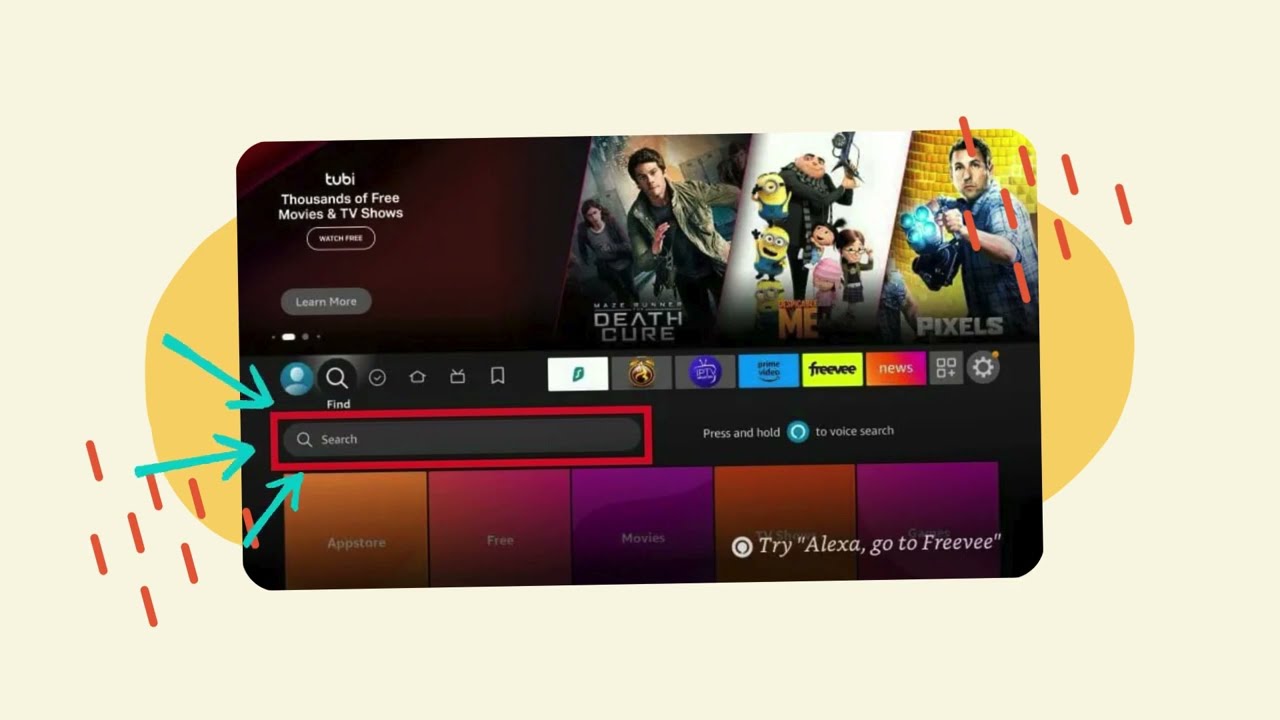
👆 Click to watch on YouTube
Device Setup Guides
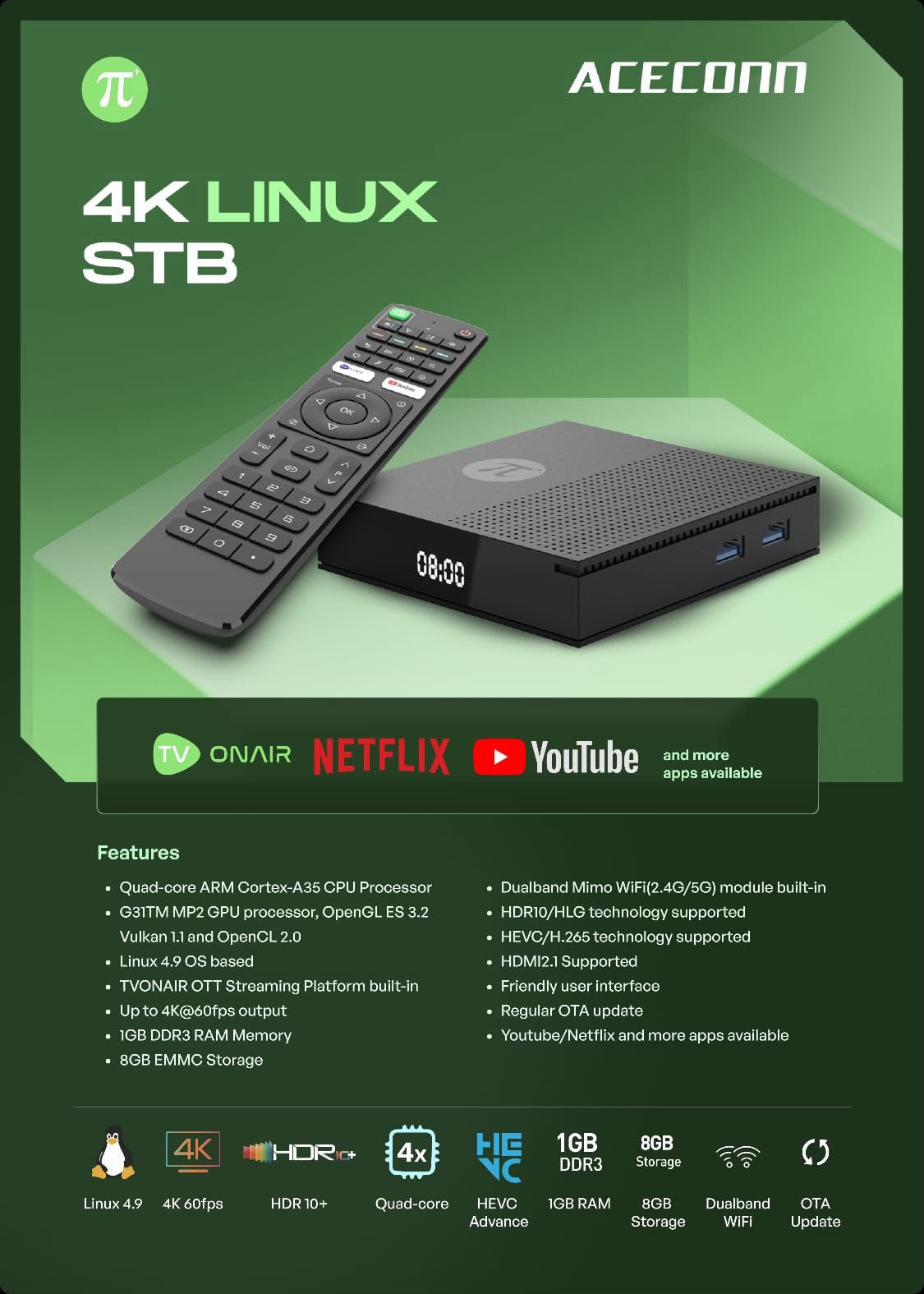
ACECONN Pi+ 4K Linux STB
Quad-Core ARM CPU • 4K@60fps • Dualband WiFi (2.4G/5G) • Pre-loaded TVONAIR Platform
- ✓ Direct Number Keypad for channel dialing
- ✓ Dedicated Channel Up / Down & EPG Buttons
- ✓ Fast Category Search & Favorites Sorting
- ✓ Zero Setup Needed — Ready Out of Box (Unrestricted)
Fire TV Stick (Existing Devices)
Video tutorial provided for older Fire TV Stick models.
- Watch our setup video above
- Follow the step-by-step instructions
- Contact us on WhatsApp if you need help
🚫 VegaOS / Firestick "Select" Ban: The new Firestick "Select" model running VegaOS has blocked app sideloading completely (ours and many other market apps). Sideloading fails on VegaOS. We strongly advise switching to our ACECONN IPTV Box ($199).
MAG Box
For MAG 250, 254, 256, 322, 324, 424, and similar devices.
- Go to Settings → System Settings → Servers
- Select Portals
- Set Portal 1 Name: MyTV.GDN
- Set Portal 1 URL:
http://<PleaseAsk>.url - Save and restart the box
Android TV
Our video tutorial and app work on Android TV as well.
- Follow the same Fire Stick setup video
- Install our recommended app
- Some remote controls may have limited functionality
💡 Third-party apps like "TiviMate" exist but are paid. We don't officially endorse them.
Apple TV
Requires a paid third-party app from the App Store.
- Download "iSTB" from the App Store (paid app)
- Open the app and configure portal settings
- Enter the portal URL we provide
- Save and start streaming
⚠️ iSTB is a paid third-party app. We don't officially endorse or provide support for it.
LG webOS / Samsung / Smart TVs
Requires a paid third-party app for LG, Samsung, and other Smart TVs.
- Visit Smart STB and purchase a license
- Download the Smart STB app from your TV's app store
- Activate the app with your license
- Enter the portal URL we provide
- Save and start streaming
⚠️ Smart STB is a paid third-party app. We don't officially endorse or provide support for it.
Roku
Roku devices are not supported due to platform restrictions. Roku does not allow IPTV apps on their store.
⚠️ Important
Keep your MAC address safe! You'll need it for renewals, device swaps, and troubleshooting. Take a screenshot or photo of your MAC address and store it securely.
Need Help with Setup?
Our support team is here to help you get started. Reach out via WhatsApp for quick assistance.
💬 Contact Support