
1
Hold OK
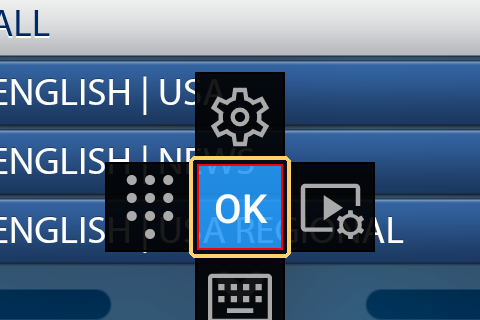
In the app, press and hold the center OK button on your remote until the quick menu appears.
MYTV.GDN SUPPORT
Use the on-screen controls to access the red, green, yellow and blue keys in MyTV.GDN STB.
Press and hold the center button inside the directional ring.
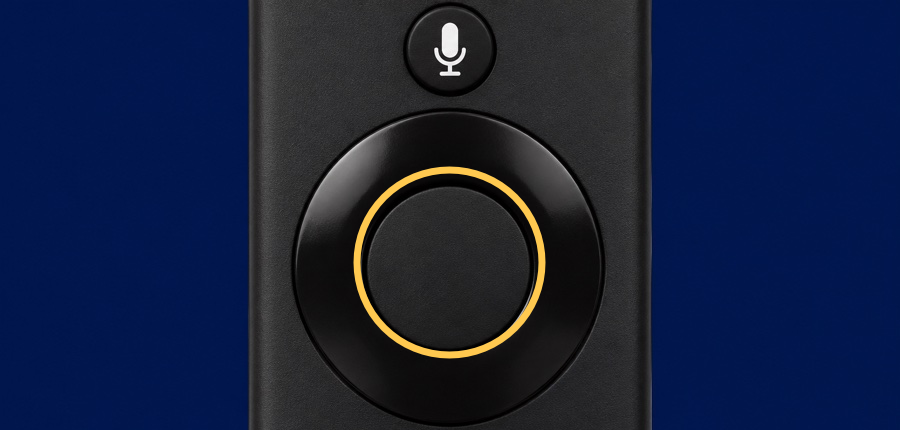
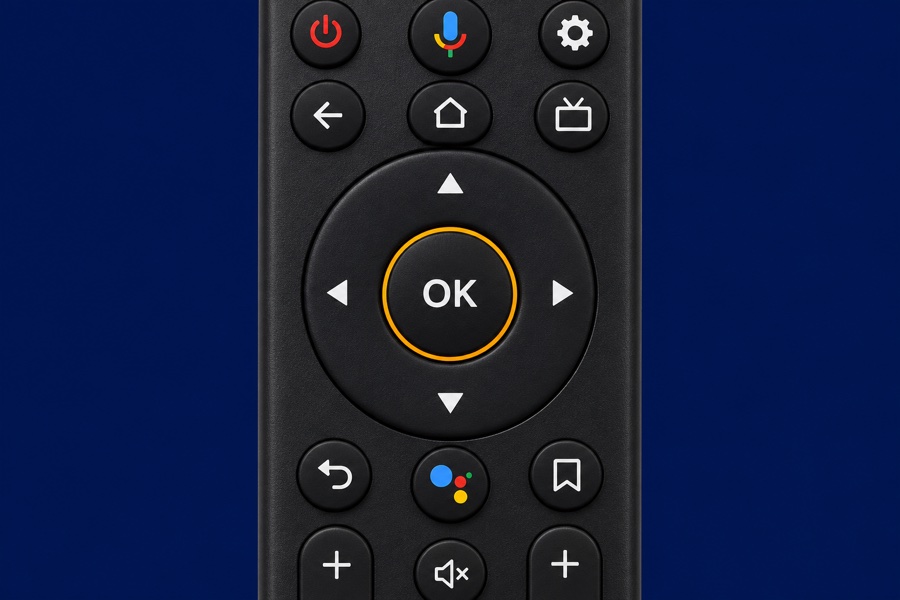
In the app, press and hold the center OK button on your remote until the quick menu appears.
Press Down to the keyboard icon below OK. The extra MAG remote keys appear beneath it.
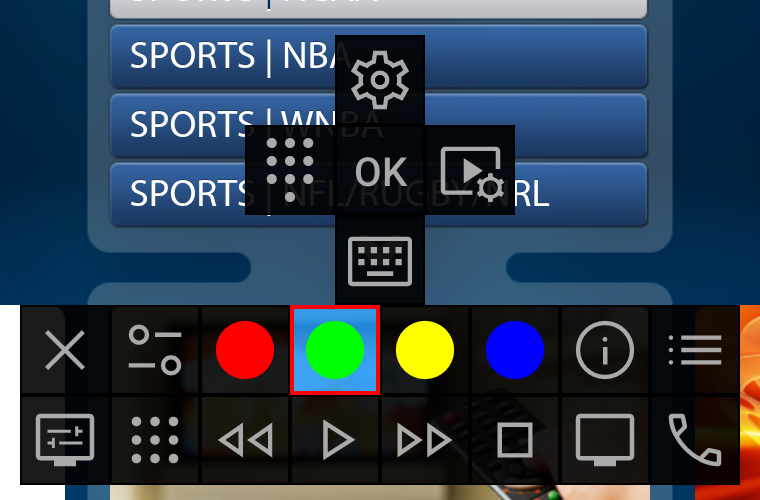
Use the remote’s directional buttons to highlight a color, then press OK. The blue key opens search where search is available. Red, green and yellow actions depend on the screen; check its on-screen labels.