1 · If Developer Options is missing
Reveal Developer Options
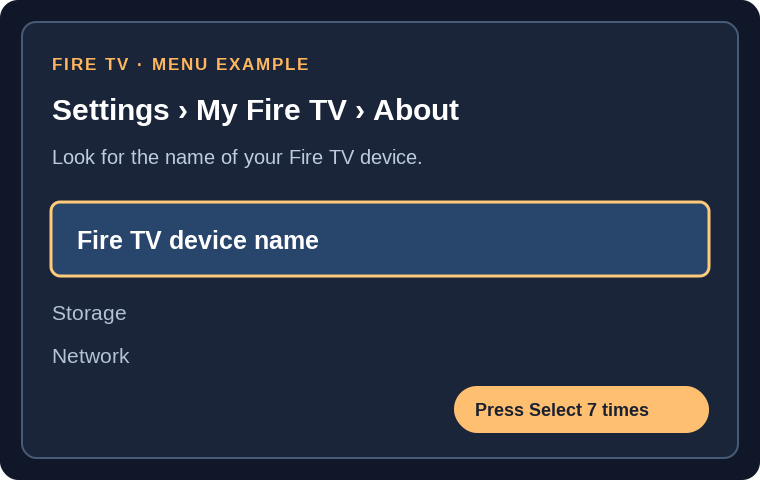
Go to Settings → My Fire TV → About, select your Fire TV device name seven times, then press Back. Some devices label the menu Device & Software.
Install Downloader in step 1, then allow it in Developer Options before installing the APK in step 3.
Go to Settings → My Fire TV → About, select your Fire TV device name seven times, then press Back. Some devices label the menu Device & Software.
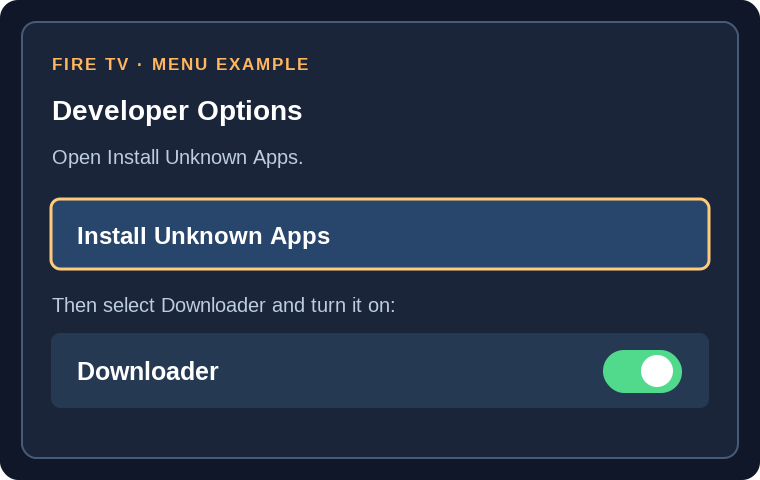
Open Developer Options → Install Unknown Apps and turn on Downloader. Older menus may say Apps from Unknown Sources.
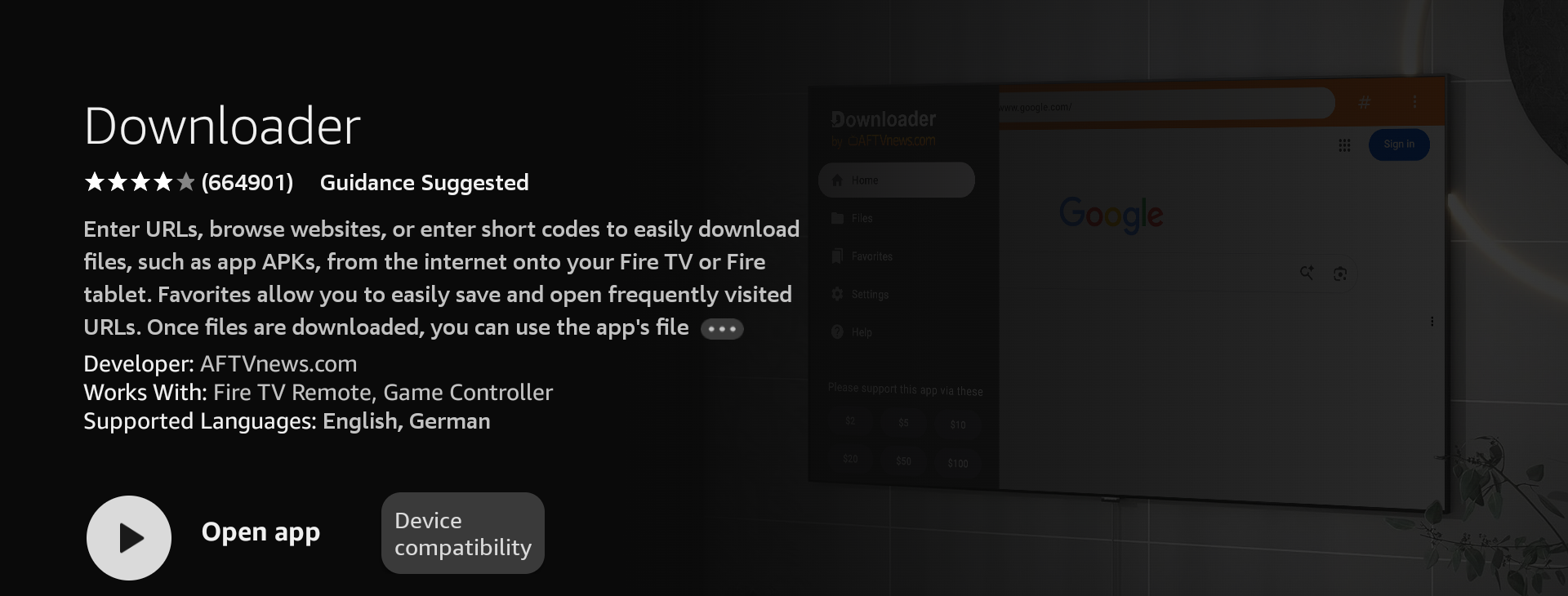
Find Downloader by AFTVnews in the Amazon Appstore and open it.
There may be more than one app named Downloader. Look for this orange icon and check that the developer is AFTVnews.com.
 DownloaderBy AFTVnews.com
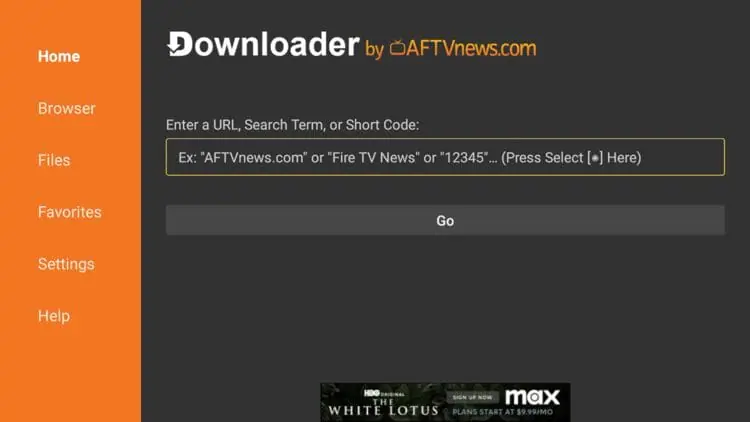
In Downloader’s URL field, enter 2303673 and select Go. If it does not open, enter get.mytv.gdn.
On the downloads page, choose Download MyTV.GDN STB, then select Install.
Open MyTV.GDN STB. Its first screen shows the MAC ID. Send us a clear photo of that screen on WhatsApp.
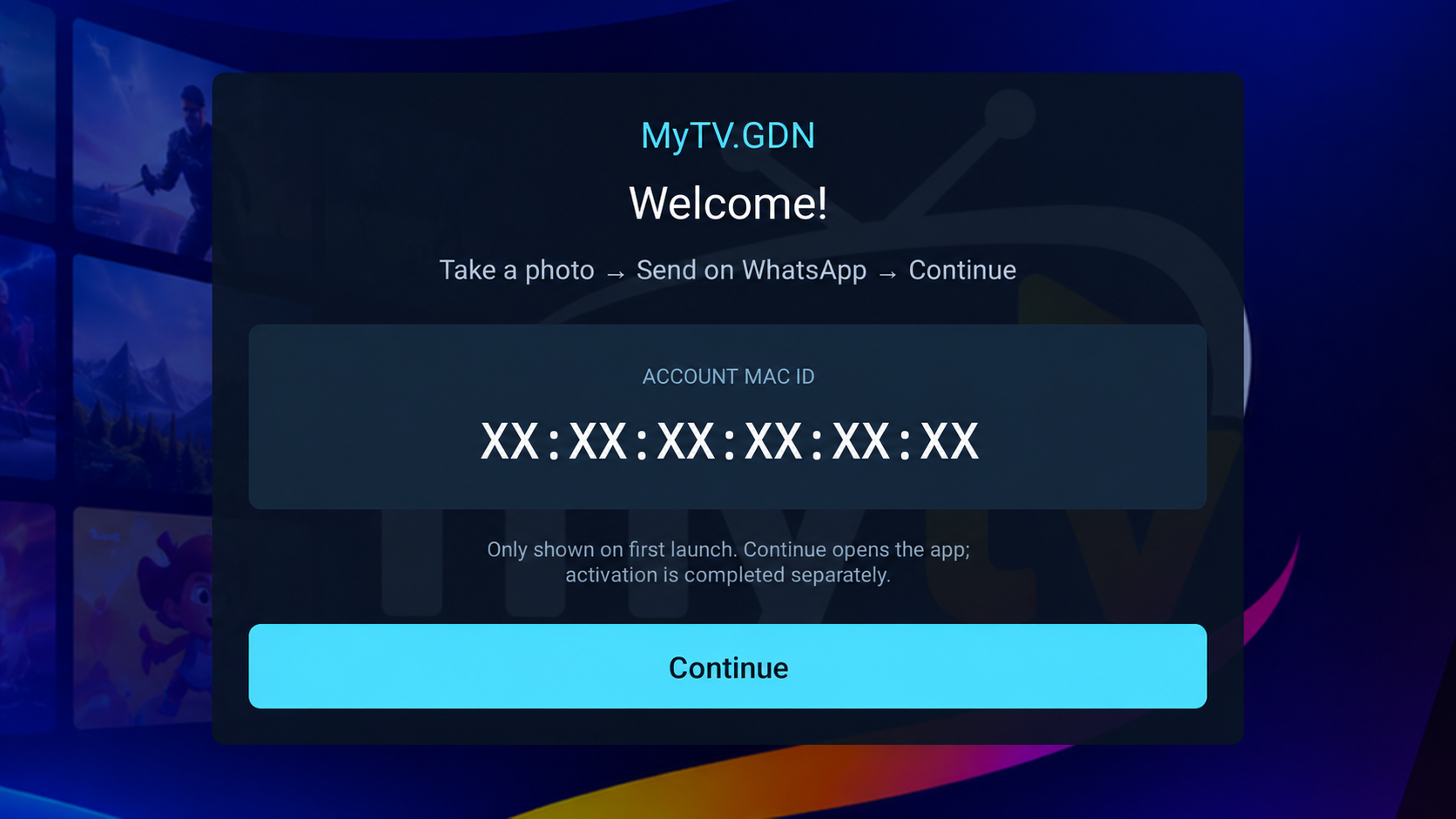
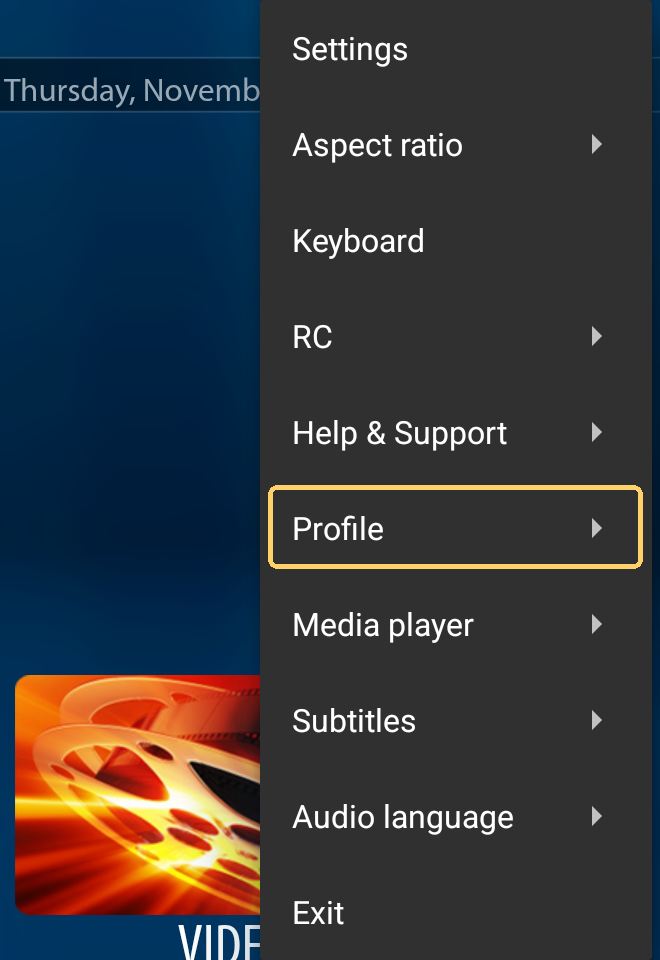
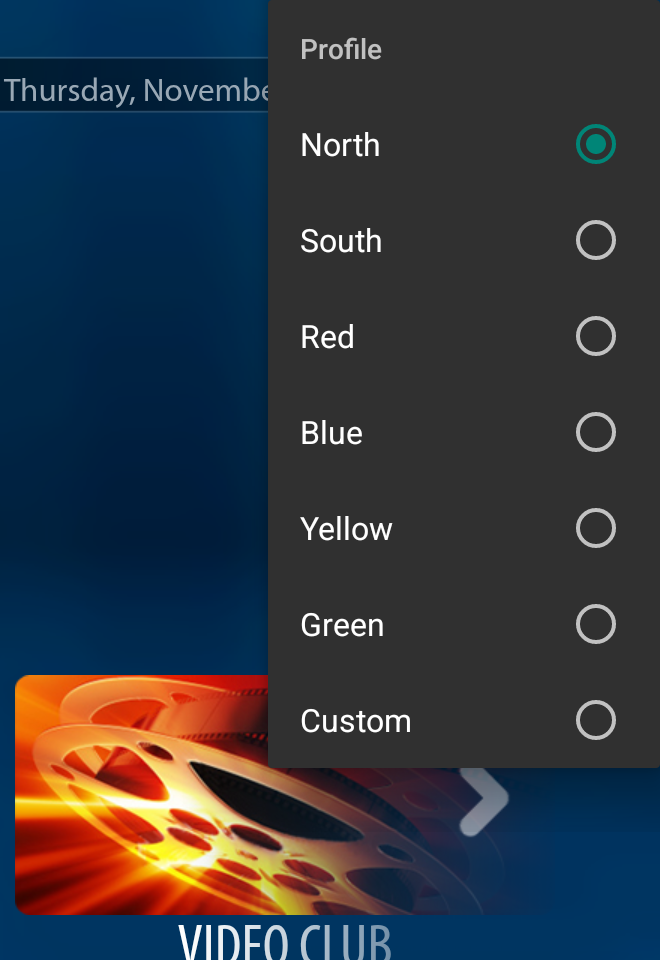
After activation, open MyTV.GDN STB. Use the profile named in your WhatsApp activation message. Tap any picture to enlarge or download it.