Set up iPhone & iPad
Install Formuler’s player, add your portal, then send us your MAC ID.

Installation steps
-
Install app
MYTVOnline+ IPTV PlayerView in the App Store
-
Add your portal
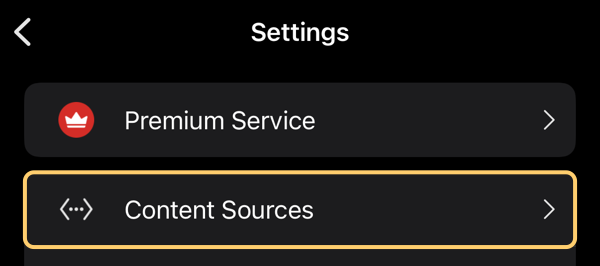
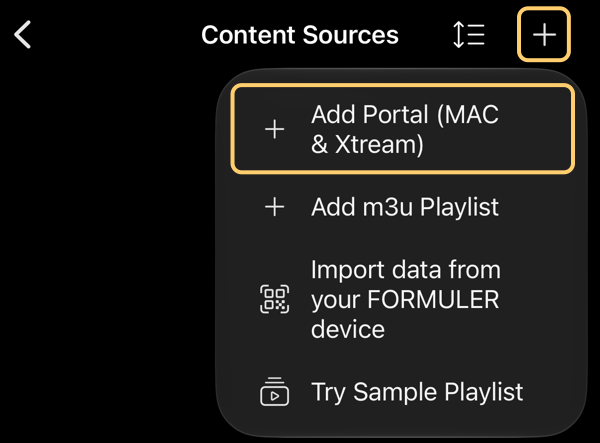
Open MYTVOnline+ and tap the Settings gear. Go to Content Sources → + → Add Portal (MAC & Xtream).

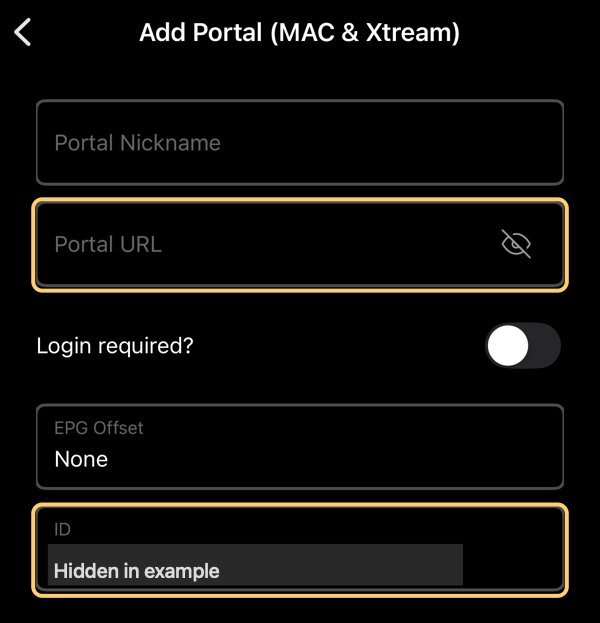
Enter the Portal URL from your activation message. If you need your URL, message us below.
Example URL
https://north.mytv.gdn -
Send your MAC ID
On the Add Portal screen, the field labeled ID is your MAC ID. Send us a screenshot showing your own ID so we can finish connecting your account.