
Set up Apple TV
Install iSTB Lite, add your portal, then contact us to finish setup.
Installation steps
-
Install app
iSTB LiteView in the App Store
On your Apple TV, search for iSTB Lite in the App Store and install it.
-
Get your portal details
Message us on WhatsApp and tell us you are setting up iSTB Lite on Apple TV. We will help you with the portal URL and MAC ID to use. If you already have an account, ask us before changing or reusing its MAC ID.
Message us on WhatsApp ↗ -
Add your portal
Open iSTB Lite, select the plus (+) button, then choose Stalker (MAC address).
Enter a name for the profile, the Portal URL, and the MAC Address supplied or confirmed by MyTV.GDN. Select Add. The EPG URL is optional.
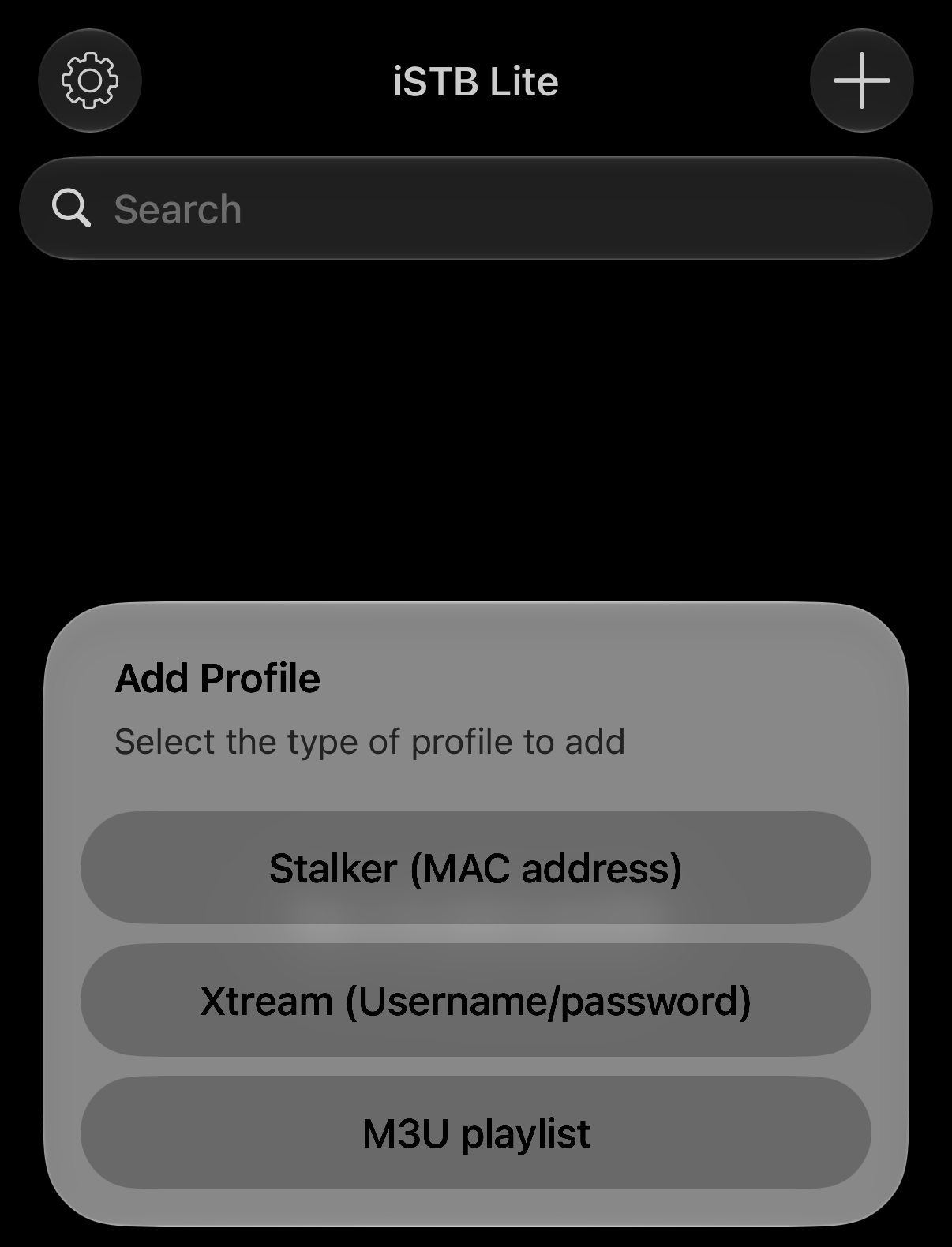
Choose Stalker (MAC address). 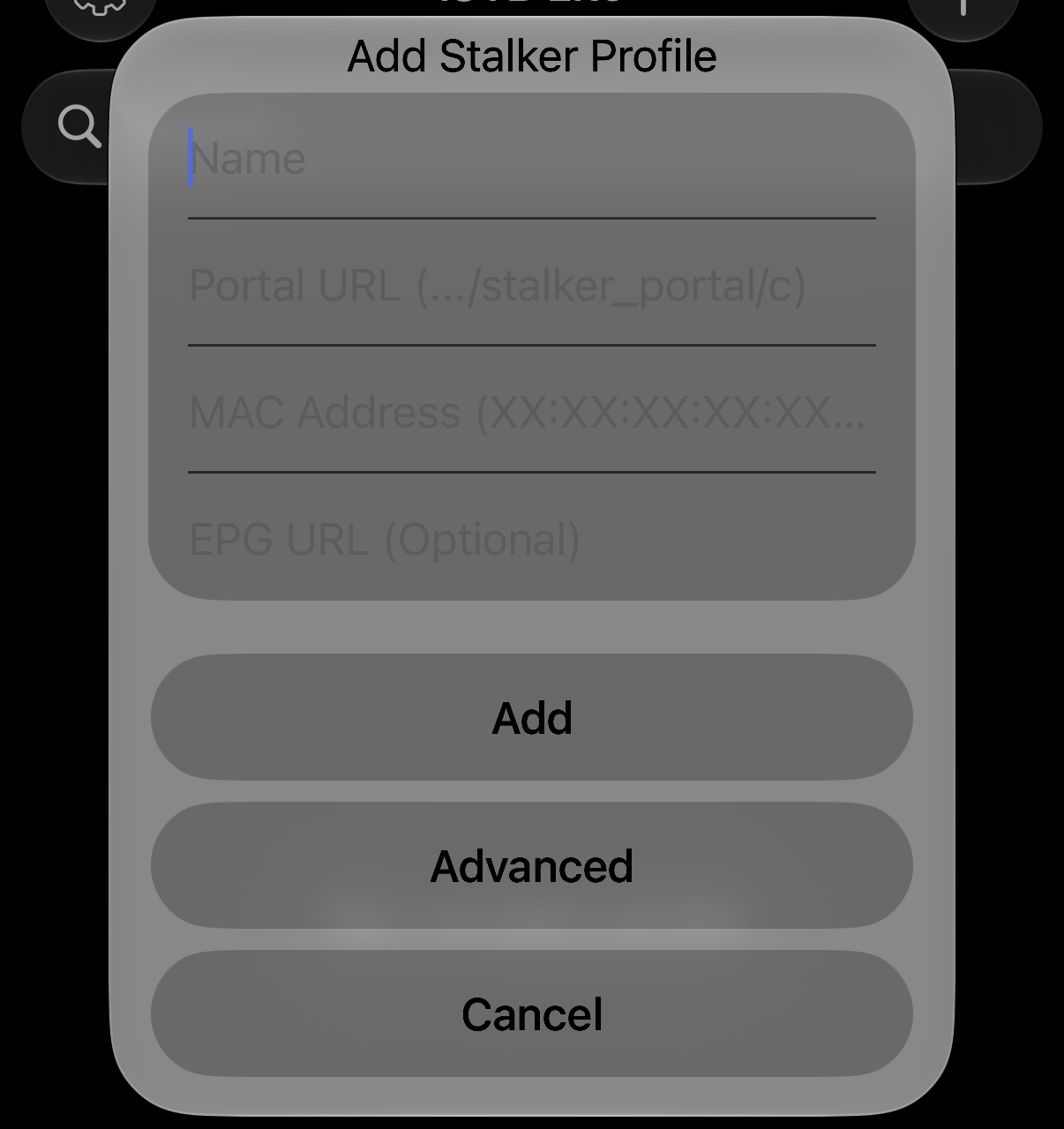
Enter the profile and account details. These pictures show iSTB Lite on iPhone; the Apple TV layout may look different.
-
Connect after activation
Once we confirm your MAC ID is activated, connect to the portal and test playback. If the app cannot connect or play your service, send us a screenshot of the error on WhatsApp before buying the full app.