1 · If Developer Options is missing
Reveal Developer Options
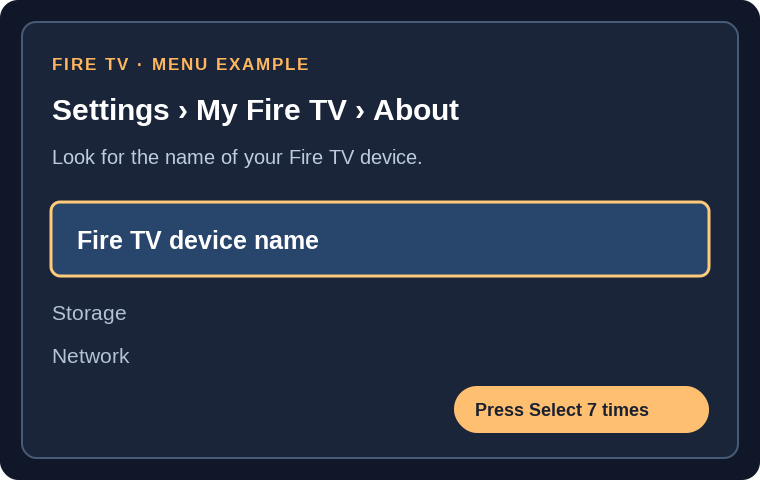
Go to Settings → My Fire TV → About, select your Fire TV device name seven times, then press Back. Some devices label the menu Device & Software.
Install Downloader from the Amazon Appstore first. Then follow these steps to allow it to install the app.
Go to Settings → My Fire TV → About, select your Fire TV device name seven times, then press Back. Some devices label the menu Device & Software.
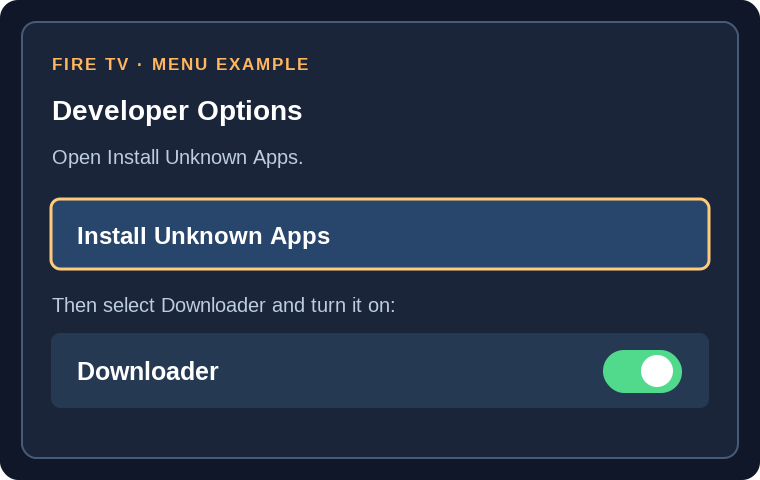
Open Developer Options → Install Unknown Apps and turn on Downloader. Older menus may say Apps from Unknown Sources.