MYTV.GDN SUPPORT
Password help
Find the password for your profile, then follow the steps below to enter it.
Find your password
Use the password for the profile you use in the app.
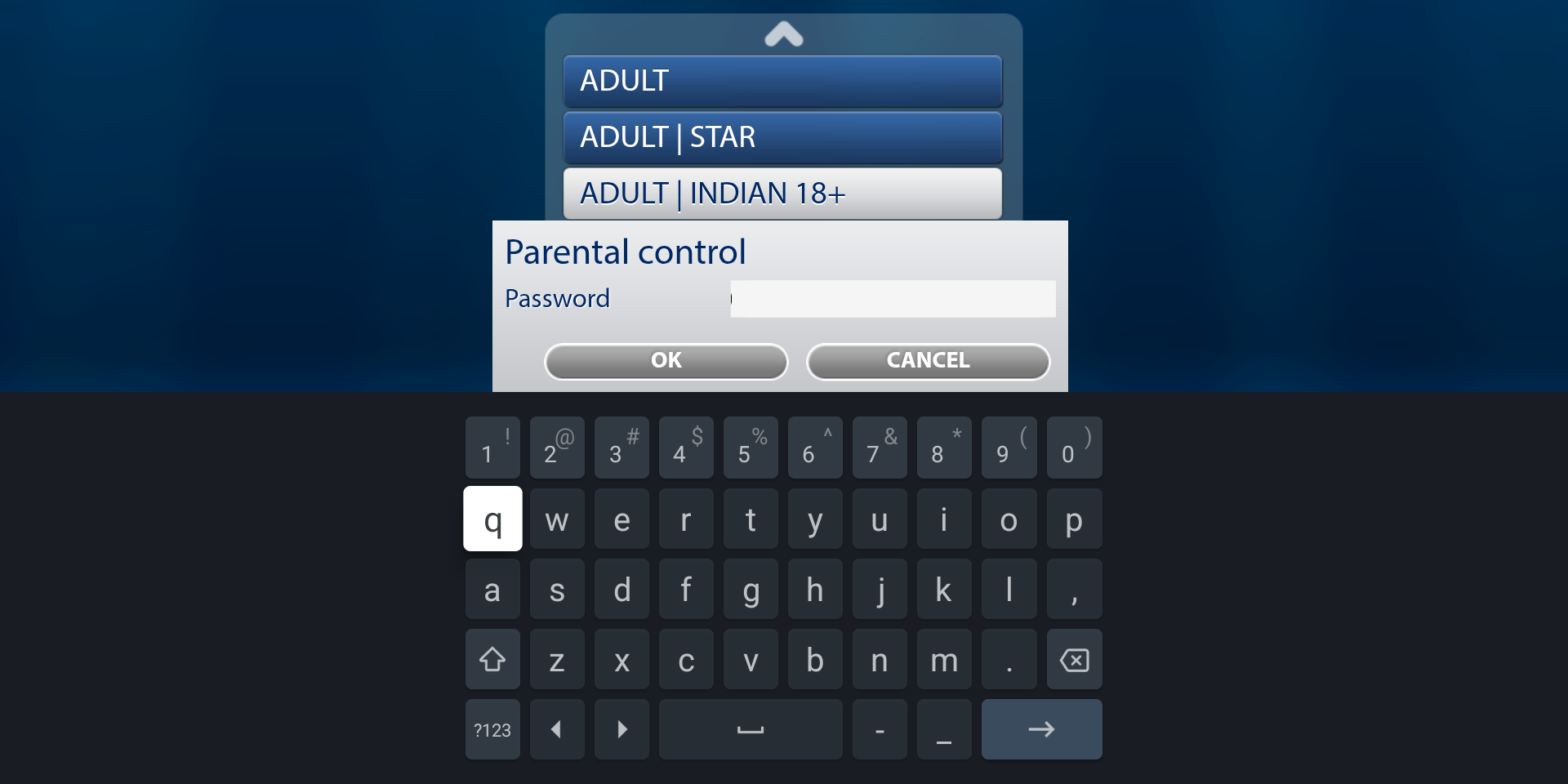
Use the on-screen keyboard
- In the TV app, select the adult category you want to open.
- When Parental control appears, enter the password for your profile using the number keys on the on-screen keyboard.
- Close the keyboard if it covers the prompt, then select OK.